



Problem
Displays fail early. Downtime hits budgets and users. Choosing the wrong monitor manufacturer often leaves teams with no spares, opaque firmware updates, and slow repair paths. I have eight years of field service and lab testing. Events such as CES in Las Vegas highlight recurring panel faults and repair bottlenecks. Inspect every computer display for firmware access, spare-part availability, and clear service documentation before buying.

Root causes
Power boards burn out. Connectors loosen. Firmware updates brick units. Lack of spare parts and undocumented service steps turn small fixes into prolonged outages. Vendors that treat displays like sealed appliances create hidden maintenance debt.
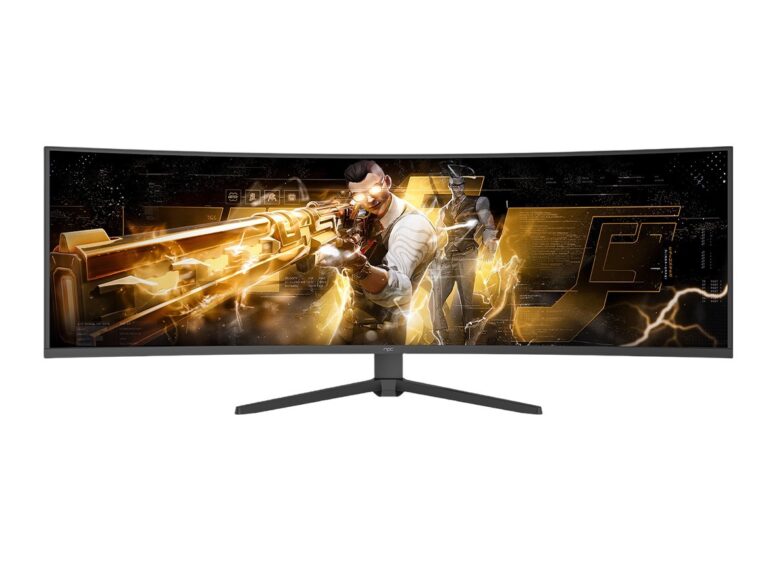
Checklist for choosing a partner
Confirm spare-part lists and lead times. Verify firmware update channels and rollback options. Demand service manuals or verified repair guides. Check warranty terms for on-site vs depot repair, and match contract terms to your expected service window. Prefer vendors who publish test reports and parts documentation.
Common mistakes
Buying the cheapest panel without service support. Assuming firmware will always be backward compatible. Storing no swappable parts. Relying on ad-hoc repair skills instead of documented procedures. Each mistake multiplies downtime.
Service rhythm
Create a schedule: inventory critical spares, log firmware changes, train one technician in board-level repairs, and run quarterly functional tests. Keep a simple parts list by SKU and a snapshot of the last known good firmware. Use the list during procurement and for quick triage when failures occur.
Value of a planned approach
Plan for service from purchase. Small investments in parts and documentation stop repeated failures. Vendors that publish parts, test data, and service steps reduce risk. Good components, clear records, and steady firmware practices cut outages; manufacturers that follow those rules, including npc, make planning effective.