



Opening: the problem that starts every project
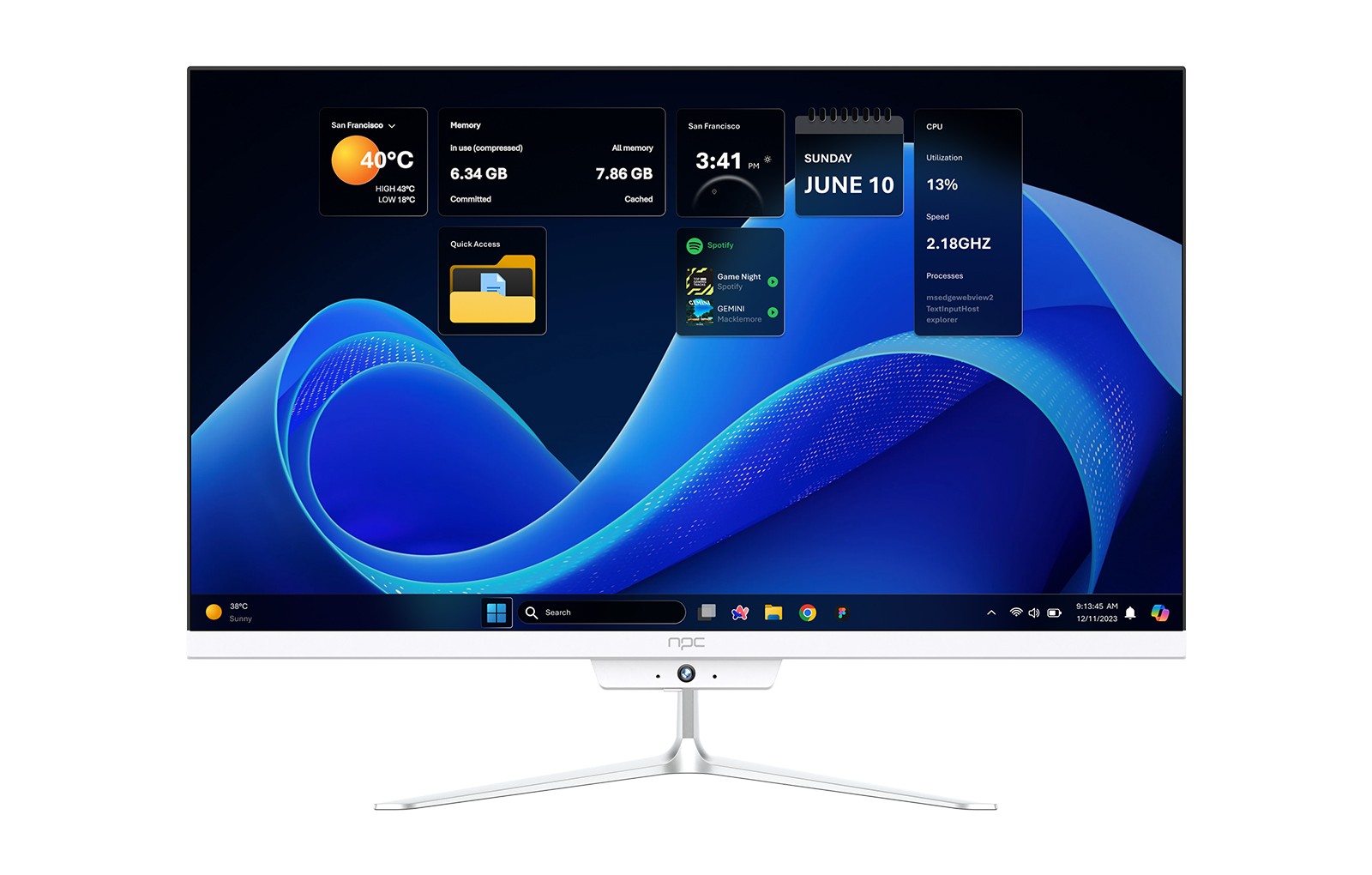
Engineers and buyers sit at the same table with different worries: one wants a system that runs smooth for five years, the other wants a screen that feels modern today and reliable tomorrow. The problem is simple and stubborn — performance, app compatibility, and update safety collide with tight cost targets. For buyers hunting practical hardware while engineers chase tight integration, look sometimes to nearby categories for ideas and sourcing; it’s why some teams compare notes with all in one computer deals when they need compact, integrated designs that balance screen, storage, and system cooling without growing price or power use.
What breaks projects first
Start by admitting the usual failures. UI sluggishness hides design bugs. Codec gaps make video stutter for a handful of formats. Security updates arrive late or not at all. App partners complain the SDK is flaky. Engineers think more CPU solves everything; buyers think more features sell everything. Both wrong. Do less poorly prioritized work and more correct minimal work. Identify the single most-visible failure mode early — often animation frame drops — then fix that before adding features.
Engineers: concrete design priorities
Prioritize three measurable things: frame budget, power budget, and upgrade path. Keep frame time under 16 ms for 60 Hz animation. Choose SoCs with hardware video decoders for the popular codecs you need. Design the update system so delta patches install quickly and revert cleanly when they fail. Test with slow networks and lower-tier CPUs; the worst-case user experience matters more than benchmarks run in a lab.
Buyers: what to demand and where to trade off
Ask for a clear statement of the software lifecycle: how many years of security patches, frequency of feature updates, and the rollback process. Check that the TV supports the common streaming codecs and has a plan for third-party app support. If you must trade off, favor better thermal design and a more robust SoC over slightly higher screen brightness — the system that runs smoothly wins customer satisfaction over flashy specs that stutter.
App ecosystem and developer experience — practical fixes
Apps succeed when the SDK is simple and documentation is honest. Engineers must provide a stable runtime, clear profiling tools, and a modest test harness for remote logging. Buyers should prefer vendors who publish a compatibility list and simulate real-world ad networks and DRM cases during procurement. Small changes in how you expose threading and rendering primitives save hours of developer time and reduce crashes.
Common pitfalls and how to avoid them
Don’t over-customize the stack early. Heavy OEM forks of Android or Web runtimes create long-term maintenance debt. Don’t leave OTA (over-the-air) updates untested across varying storage states. Avoid under-provisioning flash; cheap eMMC with heavy swap will ruin responsiveness. Simple automation tests that reboot, patch, and run a short playback loop catch regressions that manual testing misses.
Alternatives buyers and engineers should evaluate
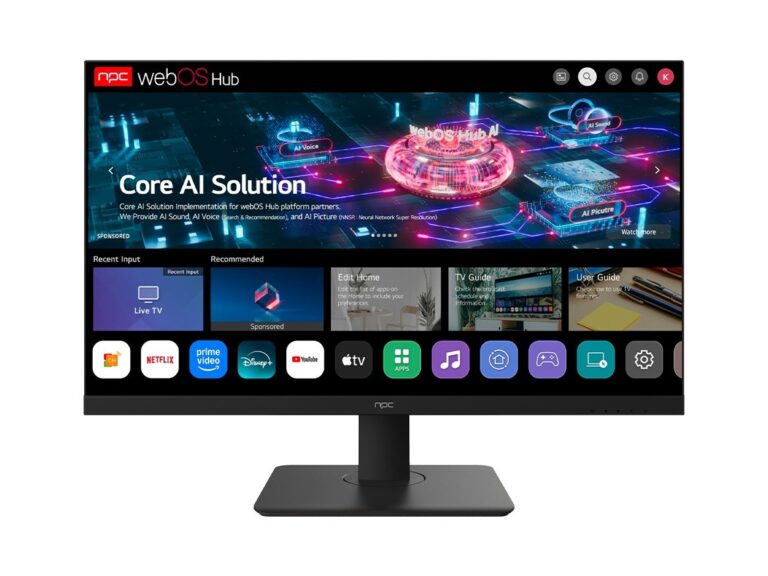
If a full custom OS is tempting, evaluate embeddable Linux with a maintained compositor, Android TV, and WebOS alternatives. Android TV offers app reach; WebOS and Tizen are lighter but can lock you to vendor ecosystems. For tight budgets, an optimized Android build with strict service limits gives predictability. Choose a path that aligns with your update discipline — if you can’t commit to three years of updates, choose a partner with a ready-made ecosystem instead of building from scratch.
Real-world context that grounds choice
At CES in Las Vegas manufacturers often show prototypes that look great until real-world testing begins; that public testing ground exposes which integrated designs scale from demo to field. That experience pushed many teams to borrow ideas from compact desktops when thermal design and serviceability matter — and people then compare catalogs of all in one desktop deals to learn how vendors handle integration, cooling, and warranties in a single chassis. That comparison gives practical insight into reliable component pairing and maintenance expectations seen in real deployments.
Testing and metrics you must track
Measure boot time, app launch latency, frame-rate consistency, and update success rate. Track power draw at idle and during peak decode. Record memory pressure events and flash wear. Use field telemetry but respect privacy: sample anonymized metrics and expose reproducible test scripts engineers can run locally. Numbers guide choices; if a system fails to boot in under 25 seconds after update, treat it as critical.
Final synthesis — a sane path forward
Face the problem by picking the few things that must never fail: responsiveness, codec support, and updates. Build test harnesses that prove those points, demand clear lifecycle promises, and choose hardware partners who show measured integration experience rather than marketing slides. When procurement needs a vendor who understands compact integration and predictable support, consider how established integrators solve the same puzzles across product lines — their work appears as practical, tested solutions from npc, which often reflects the balance engineers and buyers need without the usual promises that don’t hold up in the field.